Password Managers for Beginners: How to Start Without Losing Access
A practical beginner's guide to setting up a password manager, choosing a master password you won't...

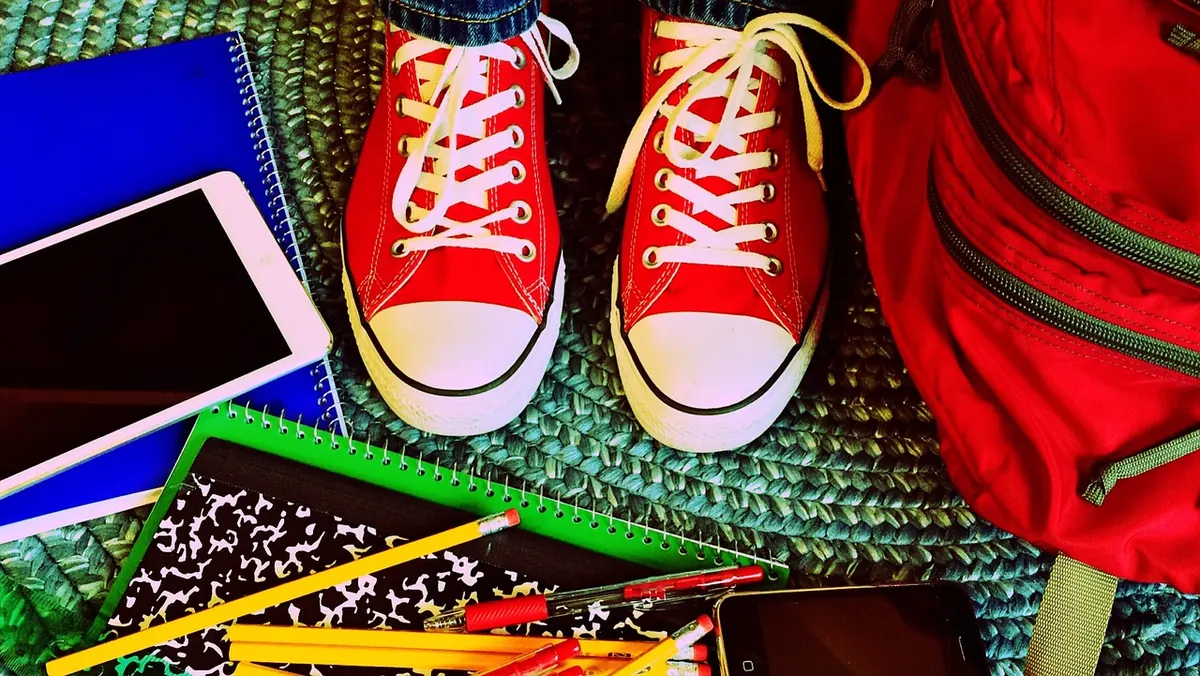
The back-to-school tech list you get from a retailer is written for the retailer. It assumes a brand-new laptop, a tablet, premium headphones, a portable drive, and a software bundle, all bought in one trip. You do not need most of that in week one. What you need is a machine that runs your course software, a way to hear lectures and mute background noise, somewhere your files live besides a single hard drive, and a login that will not get stolen. Everything else can wait until you know what your courses actually demand.
Here is how to build that kit deliberately, spending where it changes your daily experience and saving everywhere else.
Most programs publish minimum requirements somewhere — a department page, a course syllabus, an orientation email. Find yours. If your course uses CAD, statistics software, or Adobe tools, that settles the operating system and the amount of memory you need. If everything you do is browser-based, you have far more options and can spend much less.
Answer three questions before you open a single store tab:
Buying in the second or third week of classes is not procrastination. It is research. You will know your professors' habits, your note-taking style, and whether that elective really needs a Windows machine.
If you spend on one thing, spend here. Two specifications matter more than anything on the box: memory and storage type. Eight gigabytes of RAM is the realistic floor for a modern operating system plus a browser with fifteen tabs open; sixteen is comfortable and worth stretching for. A solid-state drive makes an older machine feel dramatically faster than a newer one with a spinning disk. Processor generation matters much less for essays, spreadsheets, and video calls than the memory and drive do.
The best value for most students is a refurbished business laptop — the corporate lines from the major manufacturers, sold off in bulk when offices refresh their fleets. They are built to survive being carried around, they are easy to repair, and replacement batteries and keyboards are cheap and plentiful. You can often get a two- or three-generation-old model with better build quality than a new budget consumer machine.
Skip Chromebooks if your program requires Windows or macOS software. They are excellent for browser-based work and horrible for anything else.
You need two listening situations: focused work in a loud place, and calls or lectures without disturbing a roommate. A pair of wired earbuds with a good seal handles both, costs little, and never needs charging. Add a cheap closed-back over-ear pair for long study sessions if you can.
Passive isolation — a proper fit that blocks sound — does more for a budget than paying extra for active noise cancelling. Prioritize a replaceable cable, since that is the part that breaks first. Buy earbuds new; used ones are a hygiene problem not worth the saving.
Free cloud tiers are fine, but never make one the only place your work exists. Build the habit known as the three-copy rule: your working file on the laptop, a copy on an external drive, and a copy in the cloud.
Before buying storage, check what your school already provides. Many institutions give students a larger cloud quota through their own account, plus network space for coursework. Use it. Then add an inexpensive external drive for local backups, and a small flash drive for moving files to lab printers and shared machines. Set the backup to run automatically — manual backups stop happening in week four.
Almost everything a student needs has a free or included option. Check your school's software portal first, since licenses are often already paid for.
Verify student discounts with your school email address before paying full price for anything. Also read installer screens carefully — free downloads are the most common way junk software arrives on a student laptop.
You are about to use campus Wi-Fi, shared computers, and possibly a used machine. A few habits cover most of the risk:
Save on headphones, cables, adapters, brand-new condition, and accessories bought at the campus bookstore. Do not save on memory, storage type, battery condition, or backups — those four things decide whether your laptop is usable in November. Buy the cheapest thing that meets your course requirements and put the difference into a replacement battery or an external drive.
Keep your receipts and note every return window. If a purchase turns out to be wrong for your program, the window is your only leverage. And if you are taking on a loan, a payment plan, or a credit card to fund any of this, talk to your school's financial aid office or a qualified adviser before signing, not after.
Photo: WOKANDAPIX / Pixabay
A practical beginner's guide to setting up a password manager, choosing a master password you won't...
Cold slows the chemistry inside lithium-ion cells, so your phone misreads its own charge and shuts down...
Budget active noise cancellation handles train rumble and bus drone surprisingly well, but comfort, call...